 3 デバイス

 コピー
コピー Fitbit モバイルアプリは
 からインストールできます
説明
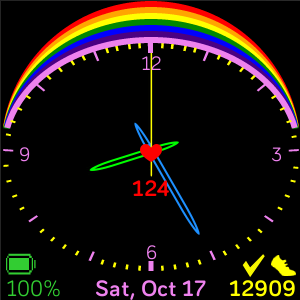
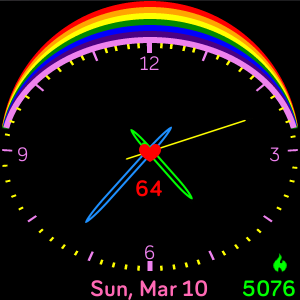
Tap bottom right corner to cycle through stats.
Select color for date and stats in the settings.
Elect when battery display will appear.
Elect whether or not a heart displays in the centre.
Decide whether or not to display heart-rate, OR choose option to be in centre or at 6 position.
Battery indicator changes color as the battery drains.
The watch face requires permission to access your heart-rate monitor and user-activity.