
 4개의 기기

 복사
복사 Fitbit 모바일 앱에서
 설치 가능

Keep track of your shots with Golf Caddy!
Track each stroke as you play each hole on the golf course. Find out how far you are hitting the ball each time you swing.
How to use:
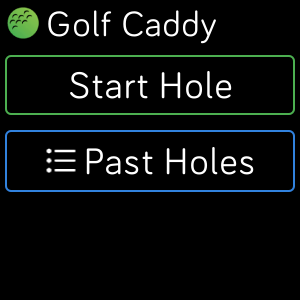
1. Press Start Hole
- Once the GPS loads, you are ready to go.
2. Line up to the ball and get ready to swing. Then press Play to start.
3. Walk up to where the ball landed and press the plus icon to save the distance you hit.
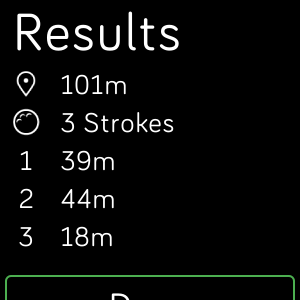
4. After you hit it in the hole, save the last stroke by pressing the plus icon, then you can press to top right button to finish the hole and view your results.
Started too soon?
Press the reset button in the top right corner to reset the starting location of the next stroke.
This app is paid: $2.99 after a 2 hour free trial. Please consider supporting the development of apps like these by purchasing. Thanks!
 이 앱에는 결제가 필요하며, 이는
앱 내에서 개발자가 관리합니다.
이 앱에는 결제가 필요하며, 이는
앱 내에서 개발자가 관리합니다.